Announcements
December 12, 2023
Share post:
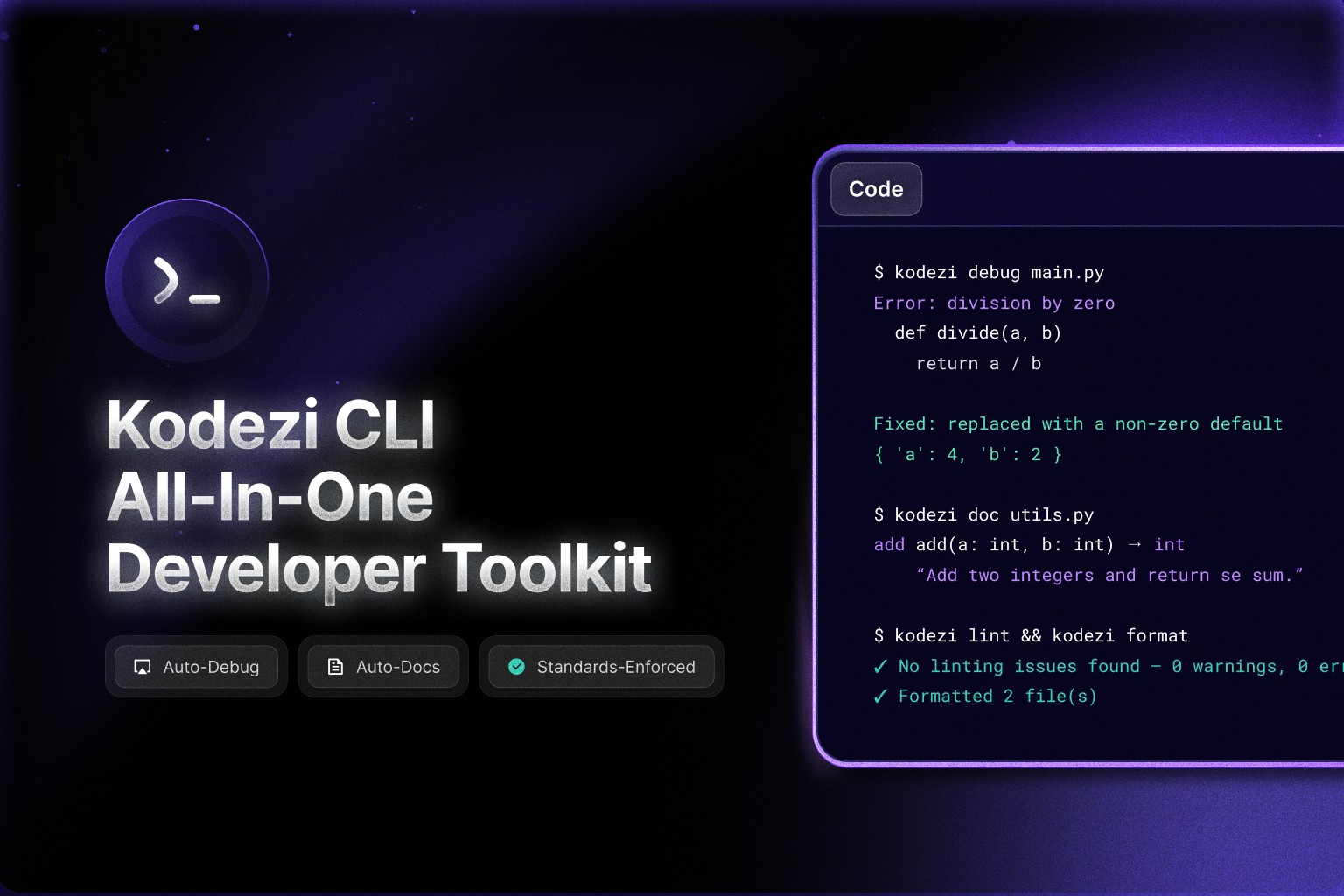
Today, we’re excited to announce the launch of Kodezi CLI, a powerful command line tool designed to streamline workflows, boost code quality, and enhance security for developers everywhere.
Kodezi CLI brings intelligent automation directly into your terminal, helping you debug, optimize, format, document, and secure your codebase without switching tools. It removes repetitive work, improves consistency, and makes it easier for teams to ship high quality software.
What You Can Do with Kodezi CLI
Debug inside your CI/CD pipelines
Catch and resolve issues earlier with automated patch generation and stability checks.
Optimize your code automatically
Improve structure, readability, and performance with a single command.
Format your entire codebase consistently
Enforce a unified style across all files, languages, and directories.
Generate and update OpenAPI documentation
Keep your API docs accurate and production ready as your backend evolves.
Protect sensitive information
Detect, hide, and sanitize secrets or high risk code patterns.
Auto handle exceptions for better stability
Reduce crash scenarios and strengthen the reliability of your application.
Kodezi CLI gives both individual developers and engineering teams the ability to maintain clean, secure, production ready codebases directly from the terminal.
Why We Built It
Most development teams still spend too much time on tasks that are essential but time consuming. Debugging, formatting, documentation, and security checks slow down the development cycle and take attention away from building features.
Kodezi CLI solves this by acting as an intelligent assistant inside your workflow. It understands your codebase, automates repetitive work, and integrates into your existing tools so you can focus on actual development.
Quick Start
Install with a single command:
Then run:
You will be guided through authentication and can start using the CLI instantly.
Where You Can Use Kodezi CLI
Local development
CI/CD pipelines
GitHub Actions
Docker and container environments
Team workflows
Enterprise scale systems
Kodezi CLI adapts to your workflow, whether you are working on a small side project or a large production codebase.
Start Using Kodezi CLI Today
Experience faster, cleaner, and more secure development directly from your terminal with Kodezi CLI.
Spend less time on repetitive tasks and more time building what matters.
Share post: